
This is the standard WordPress ‘content’ field; the first text editor you’ll see when editing or creating a page. If you enter content into it, it’ll output above any flexible content, but you can choose to only use the flexible content instead if you wish.



Section heading
This is the ‘Text’ flexible content type. By setting it’s background colour to the same as the section heading above, it has the appearance of a single combined strip of content.
I’m a CTA box – this helps me stand out from the rest of the content a little easier!
Section heading: Gallery




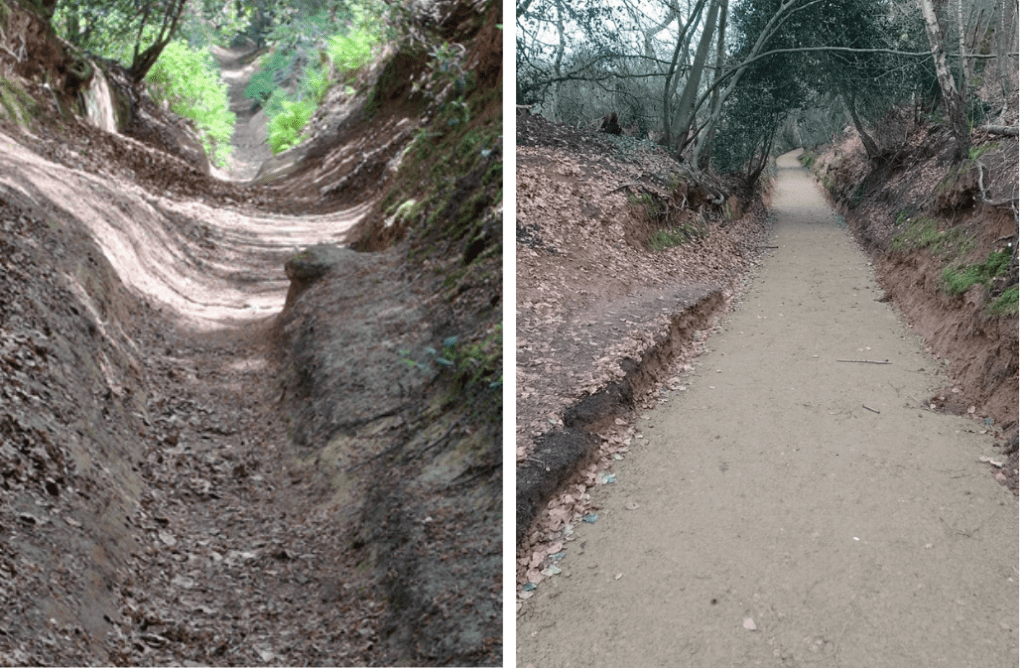
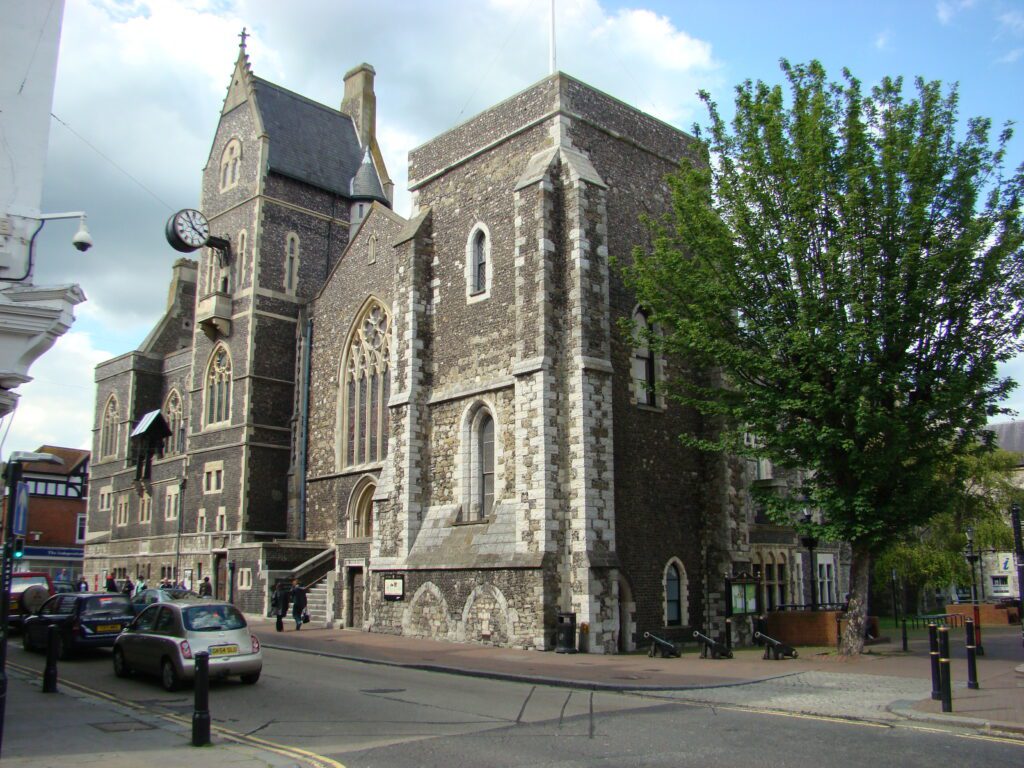
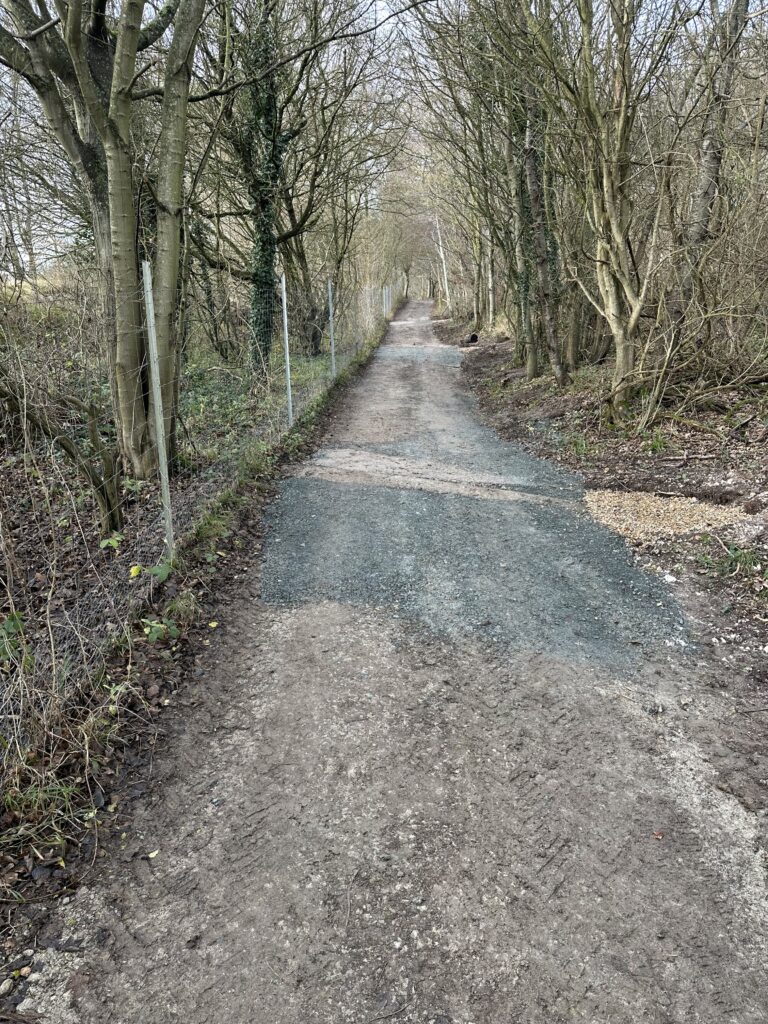



This content is using the 50/50 flexible content option, allowing text and media (images or videos) to sit side-by-side on desktops and other large screen resolutions. On mobile devices these items will stack on top of each other instead.
It’s a good way to break up long passages of text.
This time we’re using a YouTube video instead of an image.
Call Out Boxes allow you to present content in a grid layout. It’s ideal for listing out content that doesn’t need a link, like cards.
Section heading: Q&A Accordions
Q&A Question
And I’m the answer! These layouts are ideal for condensing a lot of information into a single page, especially where all of it may not be useful to all users immediately.
I’m a ‘Read more section’ layout!
Lorem ipsum dolor sit amet, consectetur adipiscing elit. Etiam consectetur nisi nisi, at lacinia nulla ultricies a. Etiam dapibus nisl at bibendum convallis. Nunc erat odio, elementum semper ultrices a, volutpat a ex. Donec tincidunt lectus non varius mollis. Proin bibendum sit amet eros eu dictum.
Phasellus bibendum ante ut neque bibendum, et sodales metus tempor. In consequat massa lacus, eu blandit eros dignissim ut. Nulla vel metus ligula. Lorem ipsum dolor sit amet, consectetur adipiscing elit. Duis molestie justo id egestas iaculis.
Nullam tristique, metus non tempus aliquet, erat urna consequat enim, vitae porttitor lectus lectus vel est.
Phasellus volutpat nunc at quam vestibulum hendrerit non auctor massa.
The 'Quote' flexible content type is useful for breaking up longer text, especially where a key quote from someone may get easily lost. Give it more impact by using this layout.
— Joe Bloggs, NASA